
 Beta
Beta 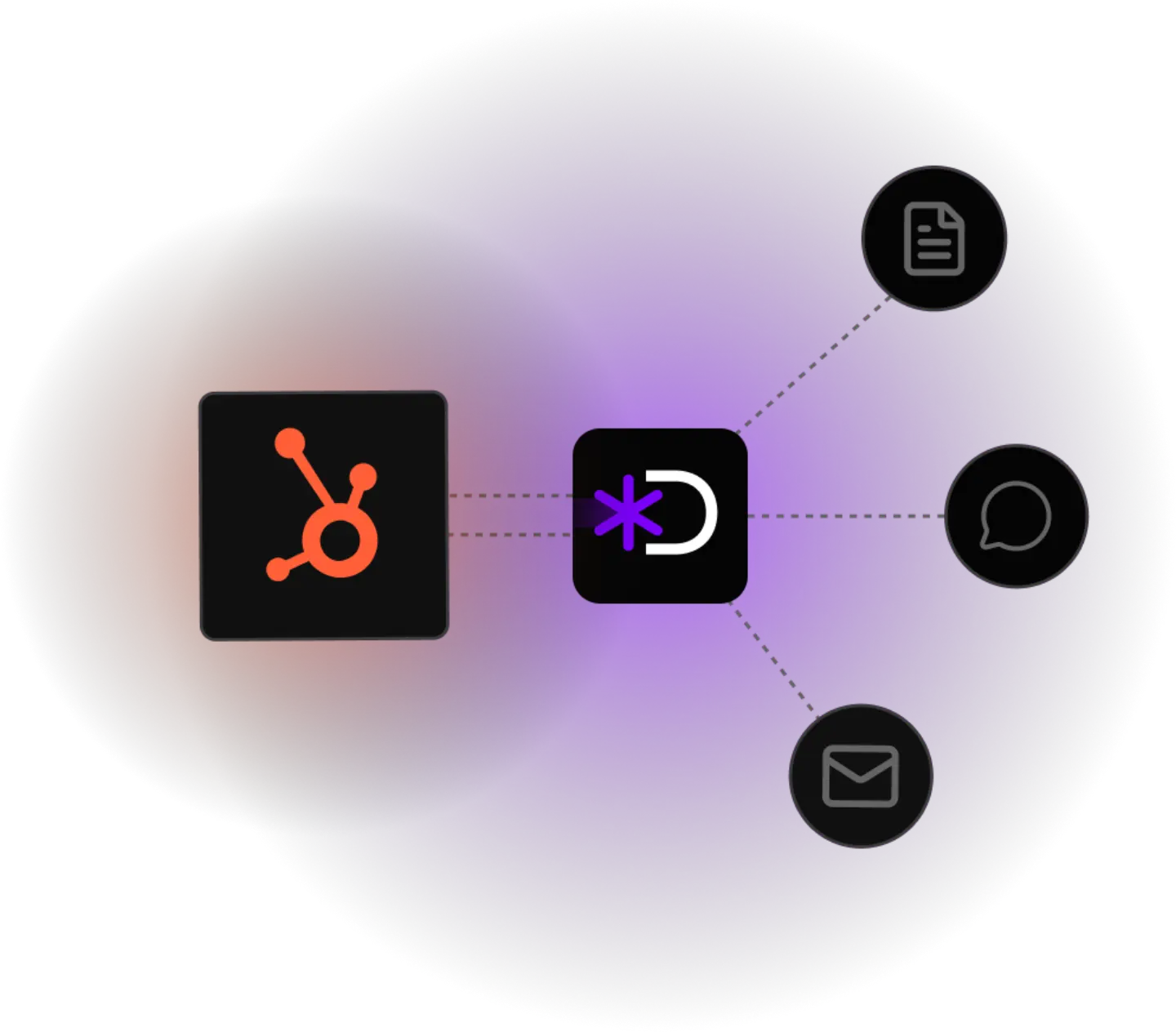
Sales Ops as a Service
CRM chaos isn't a tool problem. It's a maintenance problem.
Duplicates, empty required fields, unused workflows, dead deals. We build a system that deep-cleans your HubSpot once, then keeps it clean via AI automatically. Without you having to free up staff for it, as a Sales Ops Service for agencies and owner-led mid-market companies.
Book a demo30 minutes with our team, we'll look at your HubSpot setup.

Three typical symptoms
Duplicates everywhere
The same person with two or three records because they came in once via the form, once manually, once from a webinar import.
Required fields that aren't filled
Industry, headcount, deal source, loss reason. Officially required, in reality 40–70% empty.
Workflows nobody understands anymore
Three old automations running in parallel. Nobody remembers who set the test workflow to “Live”.
Order of operations
Why the best AI is useless without a clean CRM
AI tools, whether HubSpot features or your own workflows, deliver answers only as good as the data they sit on. If the CRM is full of gaps, the AI stays useless. We flip it: first we build a solid data base, then we let AI loose on it.
Dory uses AI as a tool to automate CRM maintenance. Clean data is the foundation, not the result. Only then can AI deliver on its full promise.
What Dory actually does
Three outcomes you'll end up with
Dory is an AI sales assistant for HubSpot. We take over cleanup and ongoing maintenance as a service, AI-powered, not manual.
-
A real pipeline, not gut feeling
No more estimates or ghost deals. Clear decisions because your numbers are right.
Example: Dory analyses your historical deals, suggests what really counts, and routes orphaned contacts automatically to the right team.
-
Clean data. Period.
Usable AI answers, because your data has no gaps.
Example: Dory detects duplicates at the point of entry and identifies which required fields your reps systematically skip.
-
HubSpot becomes a team player.
Your reps go back to selling, instead of maintaining data.
Example: Dory consolidates unused workflows and simplifies the UX by showing only fields relevant to the current stage.
Manually, this setup would take one to five days and only last three weeks. What we build runs permanently. Our AI rules and logics run from day one as infrastructure inside the CRM, not as a one-off project.

Richard
“How many new leads did we have this month? And how many of those came through events?”
...
“Show me the pipeline broken down by industry.”
Straight talk
Roughly what this costs
Dory is a four-figure setup investment plus a predictable monthly fee. Concrete amounts we discuss in the Discovery Call, because they depend on setup scope, number of pipelines, and use-case mix.
| Dory fits if: | Dory is not the right fit if: |
|---|---|
| HubSpot is your central sales platform | You're looking for an hourly worker for occasional cleanup |
| You have at least five sales reps or account managers | Your HubSpot is freshly rolled out (under 12 weeks), still in setup phase |
| Data maintenance keeps coming up, but no one internally is explicitly in charge | You already have an internal Sales Ops team with capacity for AI tooling |
| You want AI in sales without anyone internally babysitting the CRM on the side | Your data model is already flawlessly maintained |
30 minutes with our team, we'll look at your HubSpot setup.

Manual vs. infrastructure
The manual version, and why it's not what we do
If you want to handle it internally, here's your manual to-do list. Every HubSpot admin knows it. The steps work, but they mean endless busywork, and after three weeks the chaos starts over. That's exactly why we don't recreate this, but replace this busywork with real AI infrastructure.
- 1.
Merge duplicates, HubSpot's Duplicate tool for the easy cases, a manual filter (company + first + last name) for the hard ones.
- 2.
Required-field audit, check fill rate, below 70% either enforce required or remove required status.
- 3.
Clean the workflow graveyard, deactivate anything older than 12 months without a trigger, delete after 30 days.
- 4.
Resolve deal stagnation, deals longer than 6 months in the same stage: 7-day grace period, then auto-close-lost.
- 5.
Sort orphaned contacts, no owner, no activity in 12 months: archive or "Cold" list.
Manual effort: one to five days. Effect: three weeks clean, then back to drift, because the CRM still has to be maintained manually. Exactly what our AI infrastructure solves: the same rules run automatically from day one.
Honest
When a service is the wrong fit
A few situations where a one-time cleanup is enough and an ongoing service would be overkill:
-
A small CRM
Under 200 active contacts with manageable growth. Half an hour of cleanup per quarter is doable.
-
Someone on the team owns Sales Ops
If it's in their job description and they have the capacity, doing it in-house makes more sense than an external service.
If your main problem isn't CRM chaos but that reps aren't even opening HubSpot in the first place: that's an adoption problem, not a cleanup problem. If you're also evaluating HubSpot Breeze, here's the honest comparison.

Frequently asked

Let's take a look at your HubSpot.
We'll tell you honestly whether a one-time cleanup is enough or an ongoing service is the better lever.

Georg Ortner
Founder, Dory