
 Beta
Beta Technical Overview
How Dory works
What Dory is
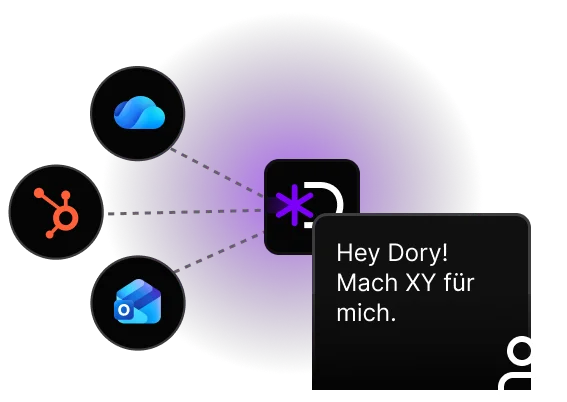
Dory is an AI assistant that sits between your team and your existing tools. You ask questions or give tasks in natural language. Dory translates that into concrete actions in your connected systems, such as HubSpot.
No new tool universe. No retraining. Dory works with what you already have.
Technical Architecture
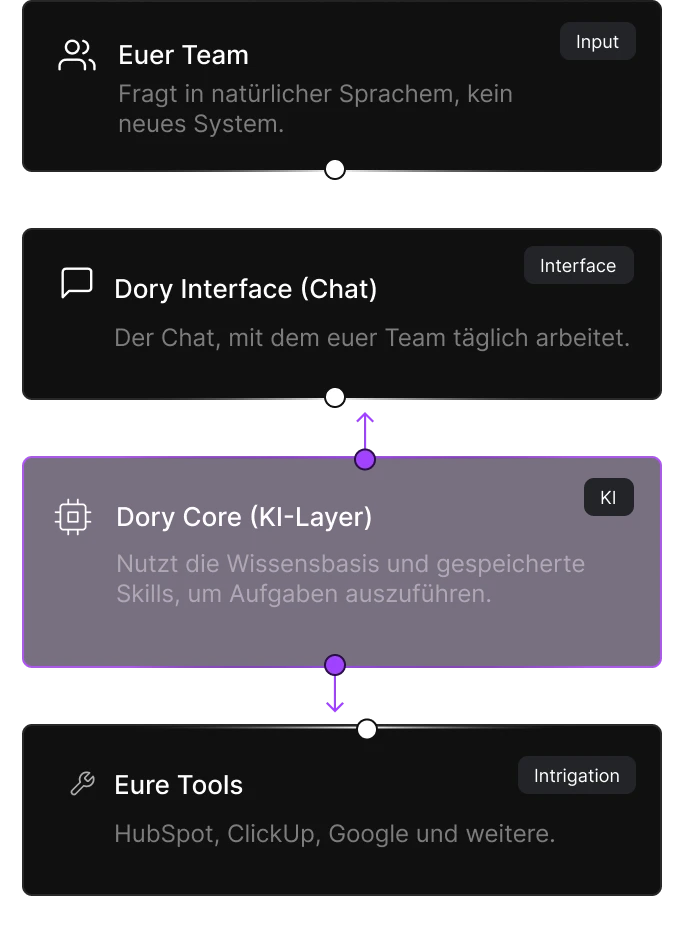
What the AI layer does
-
Understands the request
Recognises intent and context of the request.
-
Plans the workflow
Picks tools, model and knowledge sources for the task.
-
Executes & remembers
Calls tools, reads from and writes to the workspace.
-
Replies in chat
Returns the results directly in the conversation.
Approval Logic
Dory is built so that no write action happens without human approval. Approvals can be granted once, for 30 days, or permanently.
| Action | Approval required? |
|---|---|
| Search, read, view | Runs automatically in the background |
| CRM updates, creating notes | Preview + confirmation, can be saved |
| Create or edit documents in Workspace | Preview + confirmation, can be saved |
| Delete data | Always explicit, cannot be automated |


Integrations
All connections run via OAuth 2.0.

.svg)
.svg)








Dory never sees more than the connecting user would see in their own systems. No superuser access, no direct database access.

Which AI model runs in the background?
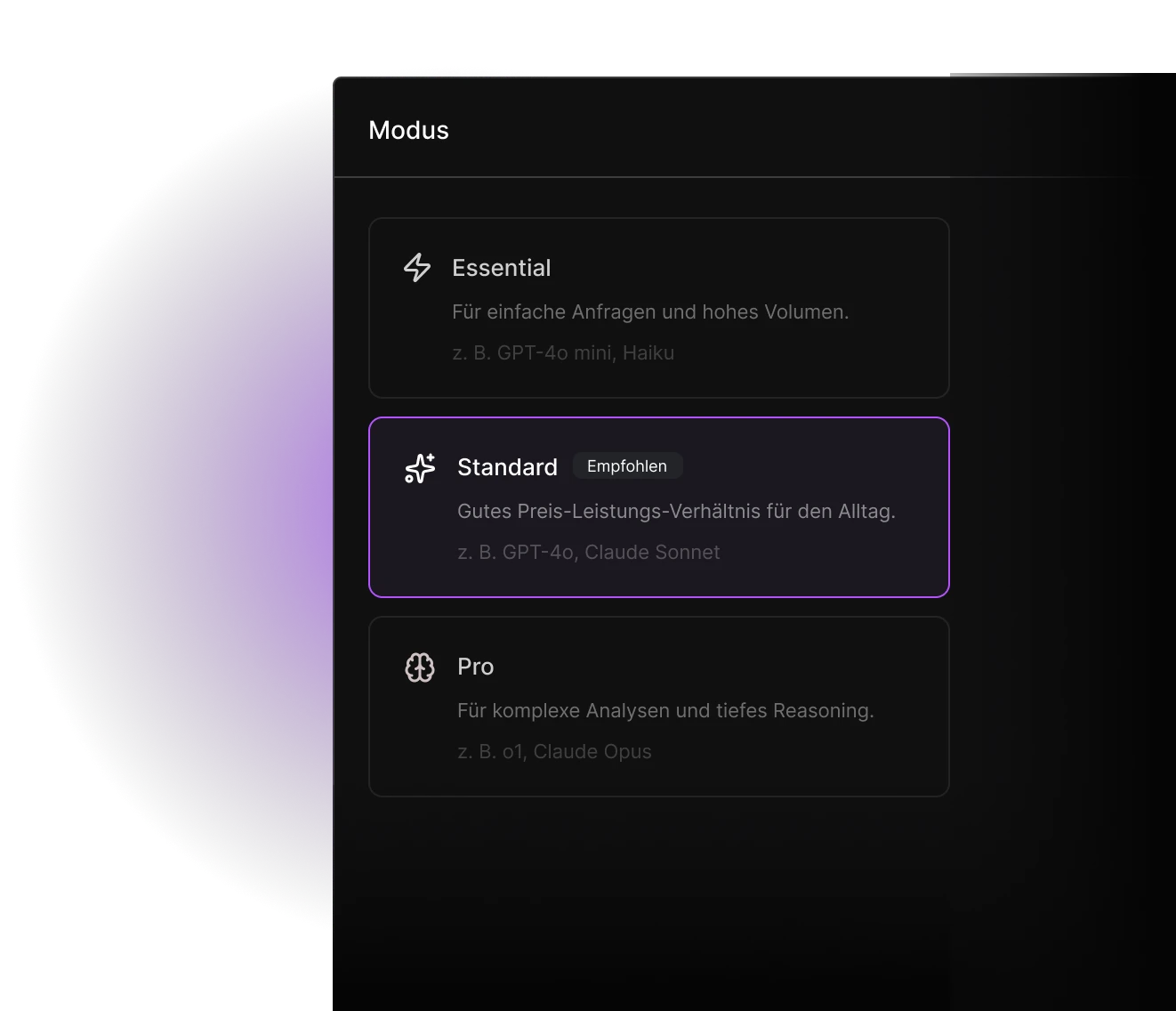
Dory is model-agnostic. You are not locked into any single provider. Each team member chooses their own model. This keeps token costs in check and builds AI literacy across the company.
The model can be switched at any time, even mid-conversation. Your data is not used to train any models. This applies to all providers via their official enterprise APIs.
Workspace
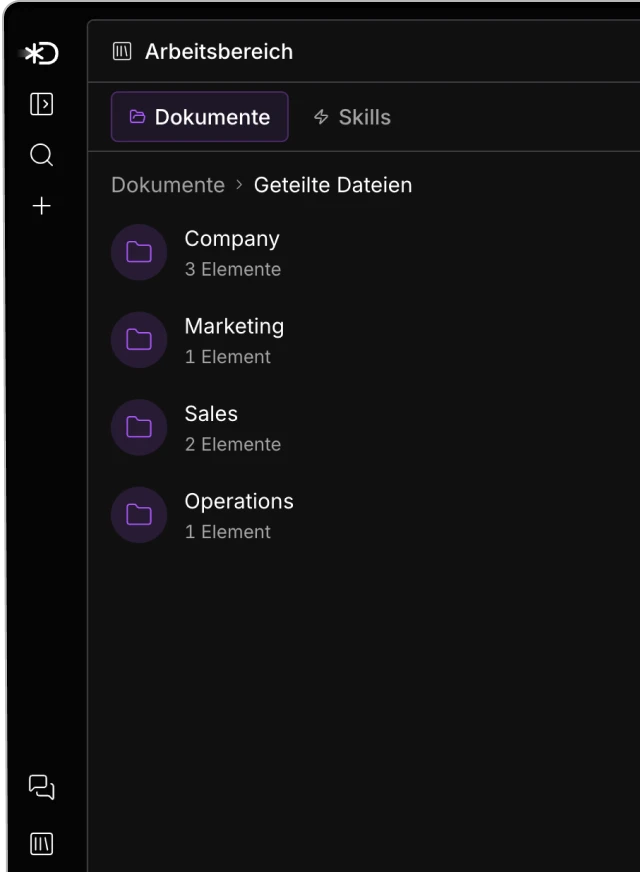
The Workspace is the team's persistent knowledge base. All documents, research, and shared context, always available for Dory.
-
Version History
Every change is traceable and every version is restorable.
-
Team & Private
Shared folders for the team, private areas for personal content.
-
Conflict Protection
Simultaneous edits are detected and resolved, not silently overwritten.
-
EU Hosting
Workspace data is processed and stored in the EU.
Security & Compliance
Already in use
-
EU Hosting
All data is processed and stored on servers in Frankfurt, Germany.
-
GDPR compliant
Full GDPR compliance. Data sovereignty remains with the customer.
-
No training data
Your content is not used to train AI models.
-
Data Processing Agreement (DPA)
Available as standard, before project start.
-
OAuth-only access
No direct database access to your systems. No superuser.
Planned
-
Formal certifications
ISO 27001 and others are on the roadmap.
-
SSO / SAML
Single sign-on for enterprise IT is planned.
-
Audit logs
Detailed access logs for IT admins are planned.

What we configure during setup
Dory isn't a finished product you have to set up yourself. We handle the configuration, adapt Dory to your HubSpot setup, and tune automations to your processes.
Customisations we take care of
-
HubSpot custom properties
We map your existing fields, set sensible defaults, and define which deal stages Dory should ignore.
-
Approval rules by deal volume
At which deal sizes does a human need to approve? Which accounts are sensitive and run with stricter rules?
-
Prompts tailored to your industry
Dory learns your tone, your terminology, and the context questions that actually matter in your business.
-
Your existing workflows
Your existing HubSpot workflows and automations stay untouched. We identify where Dory complements instead of overwrites.
What we deliberately don't automate
-
CRM updates without review
We only enable automatic writes without human approval if you explicitly ask for it. The default is: proposal + confirmation.
-
Sending customer emails
Dory can draft emails. She only sends them when someone on your team presses the send button.
-
Access to sensitive accounts
You can exclude individual accounts, deals, or contacts from Dory's access. A closed space, no exceptions.
-
Training on your data
Your data is never used for model training. We use the official enterprise APIs of the model providers exclusively.

Still have questions?
We're happy to answer specific technical or compliance questions directly, no sales pressure.